
01
Musicians & singers
Original or cover, your track deserves a real music video. Film it from several angles, the app edits to it.
Your track plays while you film each angle. The app places every cut on its own — nothing to adjust.
 November 2026
 November 2026
One full project free, in 1080p · No account
A beat often lands in the middle of a sung word. The cut is right on the rhythm — and the voice is cut in half.
Twenty years of editing. That's the setting that decides where the cut lands.
No timeline, no effects.
Clean cuts, on the music.
If it moves to music, it's for you —
on a phone or a camera.
Original or cover, your track deserves a real music video. Film it from several angles, the app edits to it.
Film the move from every angle. The app cuts on the strong beat, not next to it.
Keep your camera. Import your footage, the app syncs it and places the cuts.
Post like a pro, without becoming an editor.
More clips. Fewer hours of editing.
The five videos above are real edits made by TREMOLO CUT. Nothing was touched up or edited by hand.
Two ways to shoot. One clean edit.
However you shoot: if the music was playing, TREMOLO can sync it and edit your angles to it.
Your track plays while you record each angle: every take is locked to the same music. Sync happens on its own.
Shoot on your camera with the track playing out loud. Import the footage: TREMOLO syncs it and edits your multi-angle video.
The music is your timeline. Play it while you film, and every angle falls into place.
Your song as an MP3 or WAV, on your phone. The app listens and finds the strong beats.
15 s, 30 s, 1 min or the whole song, vertical, horizontal or square. In Studio mode, you also choose what the cuts follow: on the beat, on the melody or hybrid.
The song plays while you film each camera. The app slips you a tip along the way: “For the chorus, film with energy — move the camera with the rhythm.” Two cameras unlock the edit; four give the recommended result.
The music video comes out edited, synced to your song. It all happens on the phone, even in airplane mode.
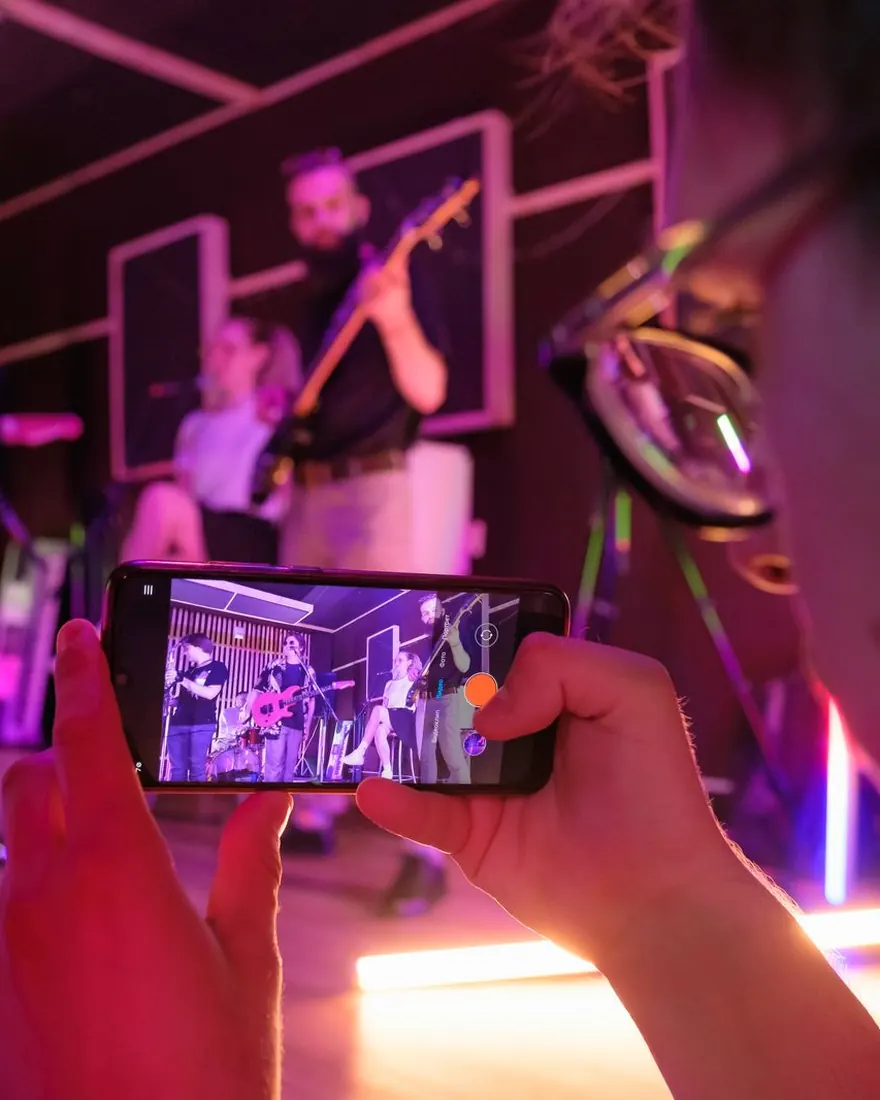
The song, the section, four cameras, the right settings: the shoot from A to Z.
Read the tutorial →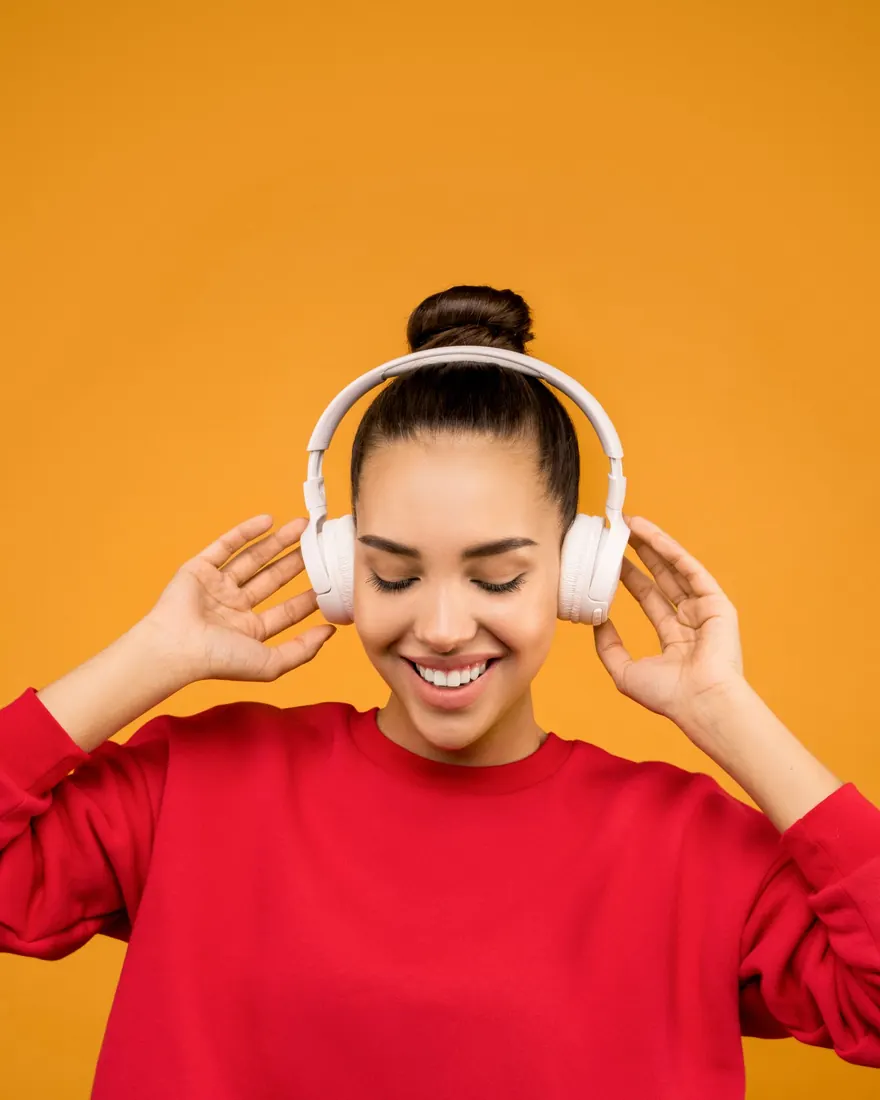
Your song as an MP3 or WAV on your phone, without iTunes.
Read the tutorial →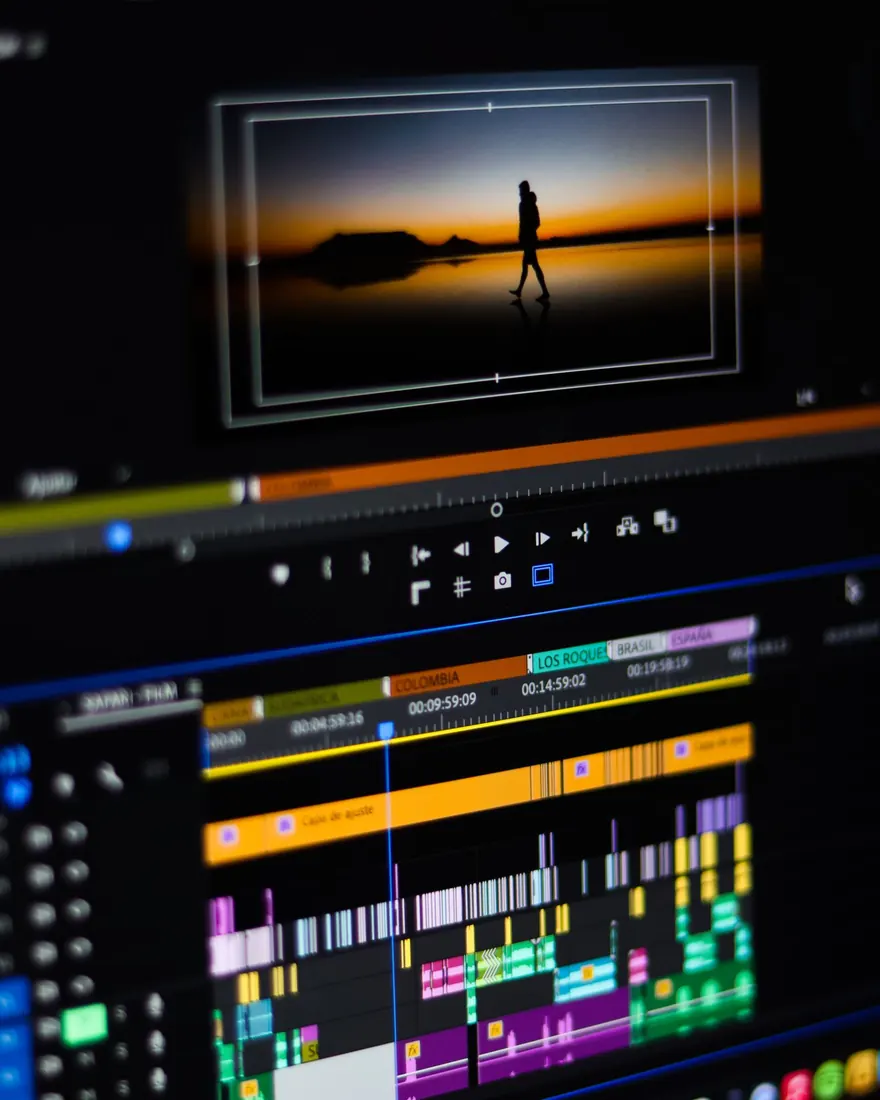
Cut on the beat without cutting the voice: the editor's method.
Read the tutorial →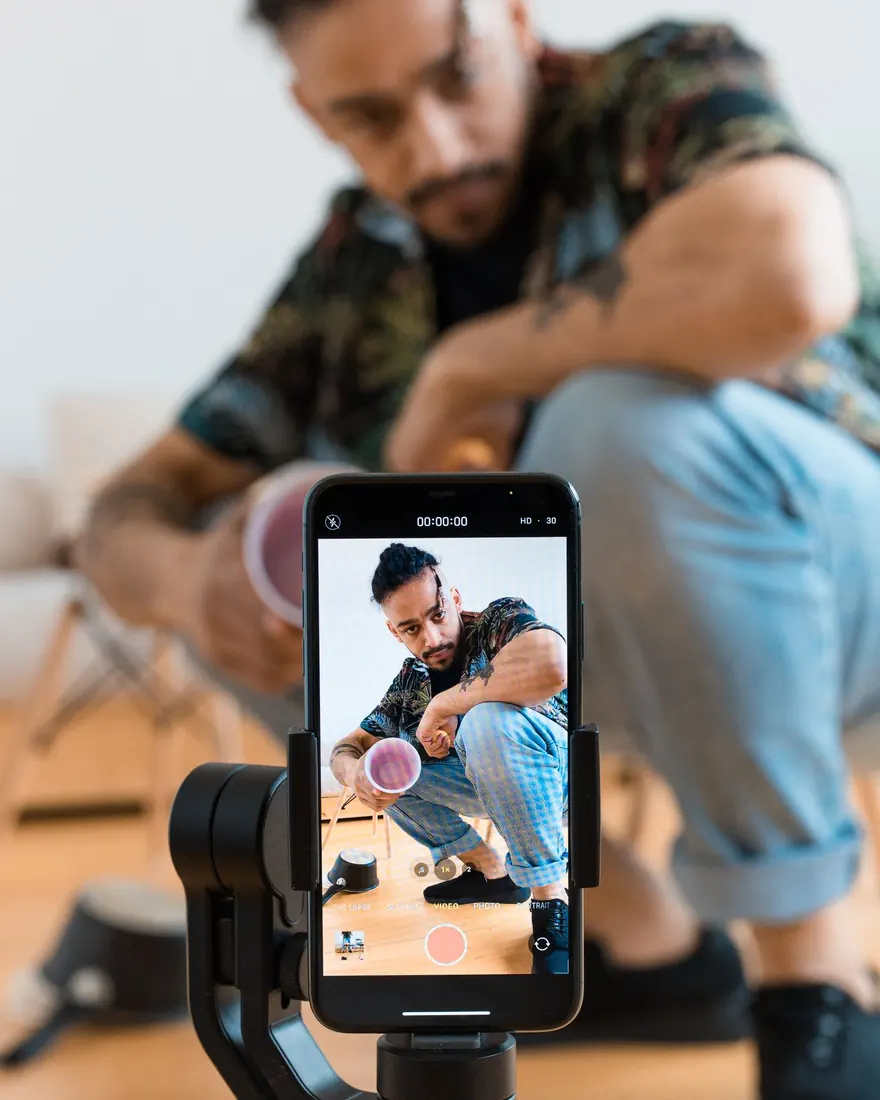
Four cameras with a single phone, synced to the music.
Read the tutorial →Everything is edited on your phone. No upload, no internet needed (even in airplane mode), no required account, no ad tracking. What you film stays with you.
No AI making things up. We add nothing, fake nothing: we analyze your music and edit your real footage to it, right on the rhythm.

Your first full clip, free. Four cameras synced to the rhythm, exported in clean 1080p — no watermark on your footage. A subscription removes the project limit.