 Tutorial · Multicam
Multicam editing on your phone: how to sync multiple angles
Multicam editing means filming the same moment from several angles, then switching from one to another in the edit. On a phone, there are two hurdles: syncing the angles together, and choosing where to cut. Here's how to do it, by hand or automatically.
Updated · 5 min read
How multicam works
Several angles cover the same moment: a wide shot, a medium shot, a close-up, a moving angle. In the edit, they're stacked and lined up on the same timing; all that's left is choosing which angle to show at each moment. That's what gives a music video the look of a real shoot.
With a single phone, it works
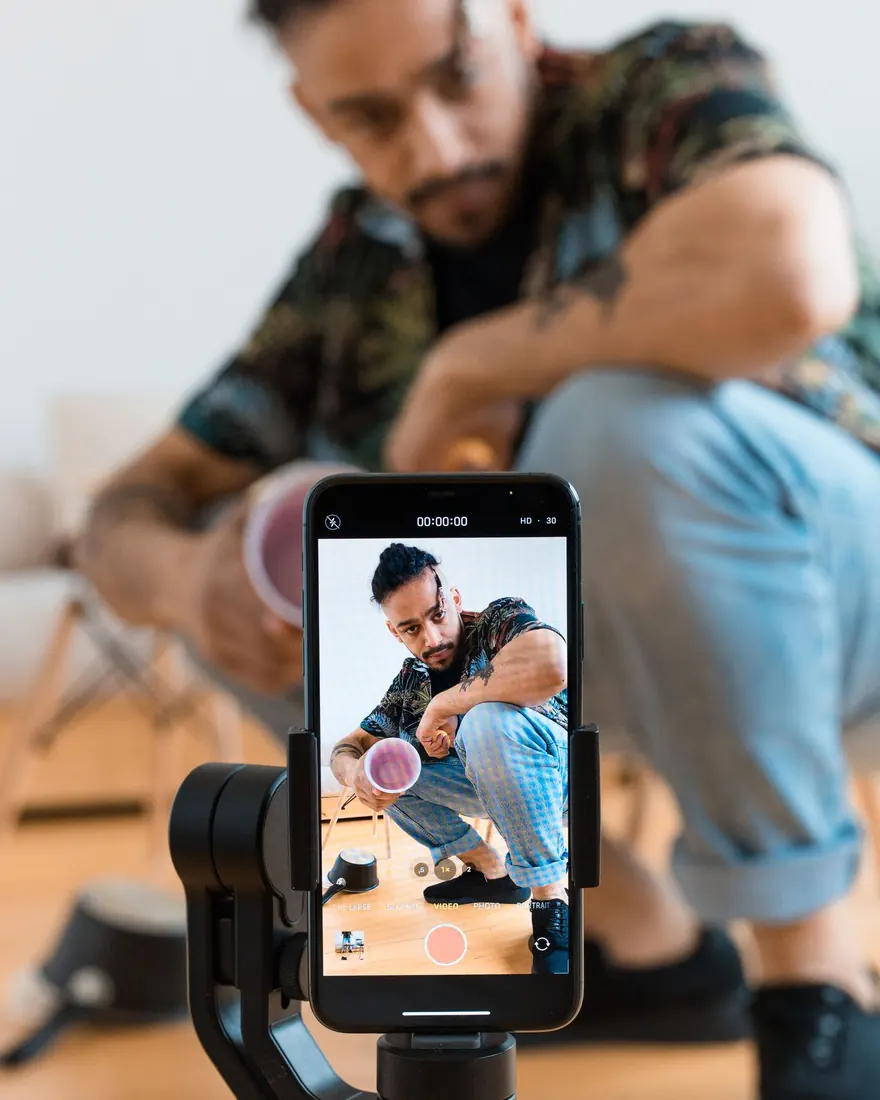
No need for four cameras. For a music video, the song is the same on every take: film your angles one after another, as playback over the same file. Once lined up on the music, the takes look like they were filmed at the same time.
Plan on four angles for an edit that holds up. The shoot, step by step.
Syncing the angles
- By sound. Every take contains the same song: you just line up the waveforms. On a computer, Premiere Pro and DaVinci Resolve can do it for a multicam edit.
- By hand. In a timeline editor on a phone, you usually have to line up each angle yourself: zoom in on the waveform, spot a peak, nudge the angle frame by frame.
- With a clap. A hand clap at the start of each take gives a marker you can see and hear.
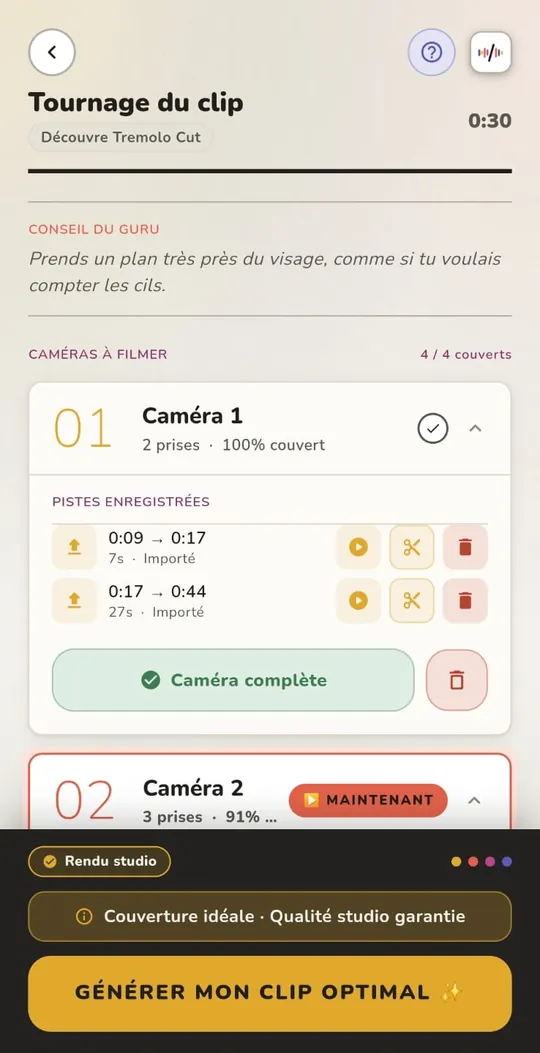
In TREMOLO CUT, angles filmed in the app are synced from the start: they're all filmed over the same file. Takes imported from another phone or a camera are synced using the song they recorded.
Choosing the cuts
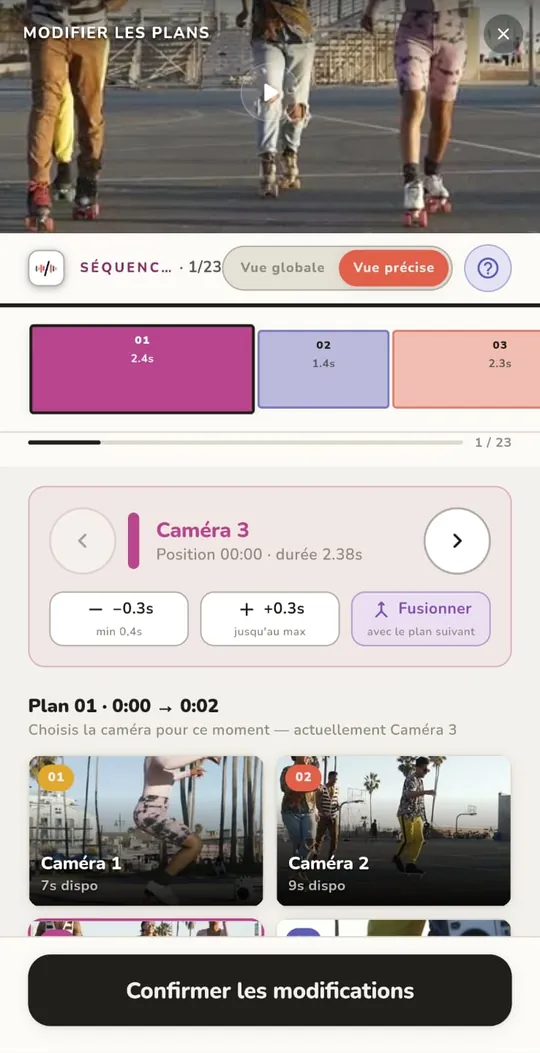
Once the angles are lined up, everything comes down to where you switch from one to another: on the beat, without cutting a sung phrase in half, following the song's structure. The rules in detail: how to edit a music video to the beat.
Mistakes to avoid
- Angles that are too similar. If two frames look alike, the cut passes for a mistake. Vary the distance and the direction.
- Different settings. Brightness, color or frame rate that change from one angle to the next, and the edit jumps out.
- An angle that doesn't cover everything. Without a dedicated app, each angle has to cover the whole song, or you'll be missing footage in the edit.
- Filming on a camera without the song. Without the song's sound in the take, there's nothing left to sync it with.
FAQ
Can you do multicam with a single phone?
Yes, for a music video: since the song is the same on every take, you film the angles one after another, then line them up on the music.
How many angles do you need for a multicam edit?
Four for an edit that holds up. Two are a minimum. Well filmed, more angles are even better.
How do you sync several videos to music?
By sound: every take contains the same song, so you line up the waveforms, by hand or with an app that does it automatically.
Which app for multicam editing on a phone?
TREMOLO CUT syncs the angles and places the cuts to the music on its own, on the phone, without uploading your videos to a server. Out in November 2026 on iOS and Android.