 Tutorial · Editing
How to edit a music video to the beat
Editing a music video to the beat means placing every angle change on a beat of the song. But not on just any beat: you avoid cutting in the middle of a sung phrase, you follow the song's structure, and you vary the pace with the energy. Here's the method, rule by rule.
Updated · 6 min read
Find the song's beats
Tap your foot to the song: each tap is a beat. In most songs, beats come in fours. Count “one, two, three, four”: the “one” is the strong beat, where a cut lands most naturally.
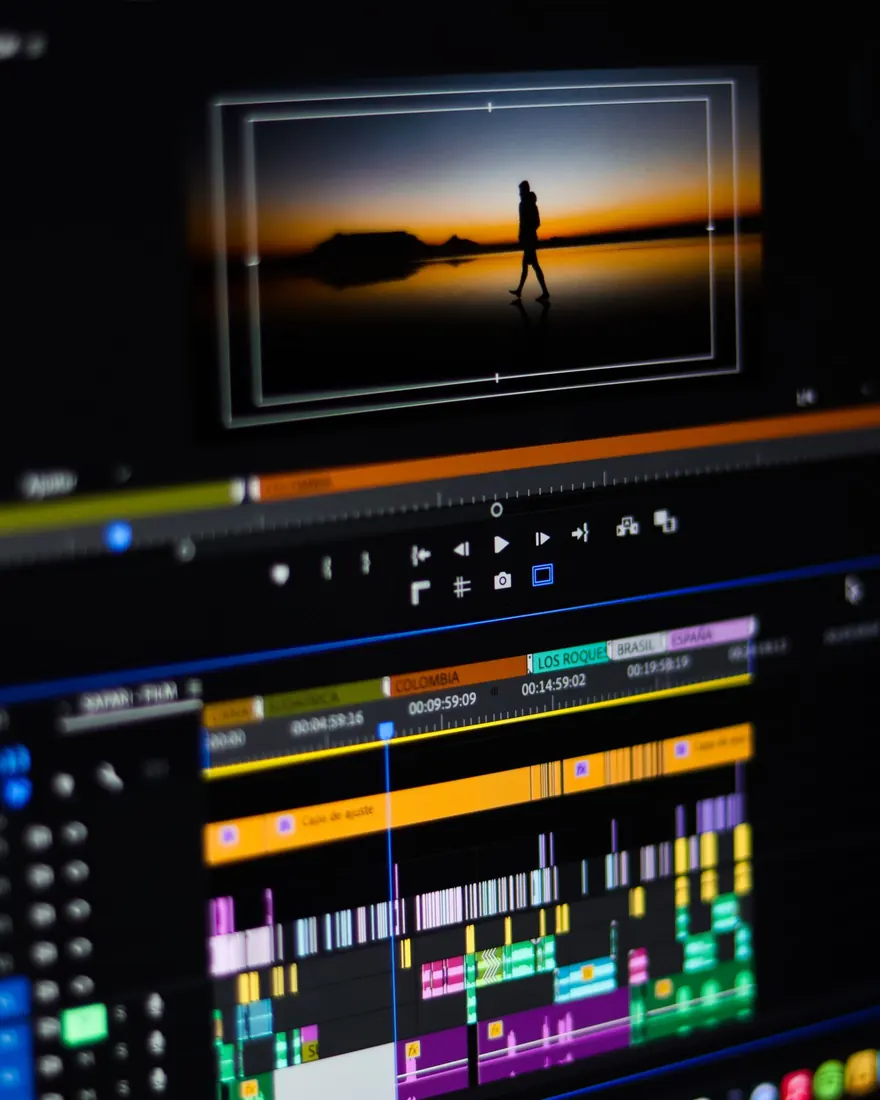
In editing software, drop a marker on each strong beat while the song plays (the M key in Premiere Pro and DaVinci Resolve). Those markers become your cutting grid.
Cut on the beat, not next to it
An angle change that lands off the beat is felt, even when you can't say why: the video feels sluggish, or rushed. Zoom in on the waveform and put the cut exactly on the marker.
Respect the voice
This is the rule most tutorials forget. A beat often lands in the middle of a sung phrase: the cut is right on the rhythm, and the voice is cut in half. On screen, that stands out more than a slightly late cut.
Listen to the voice, not just the drums. Hold the angle until the end of the phrase, or cut on the breath. In passages without vocals (intro, bridge, solo), you're free to cut on the beats.
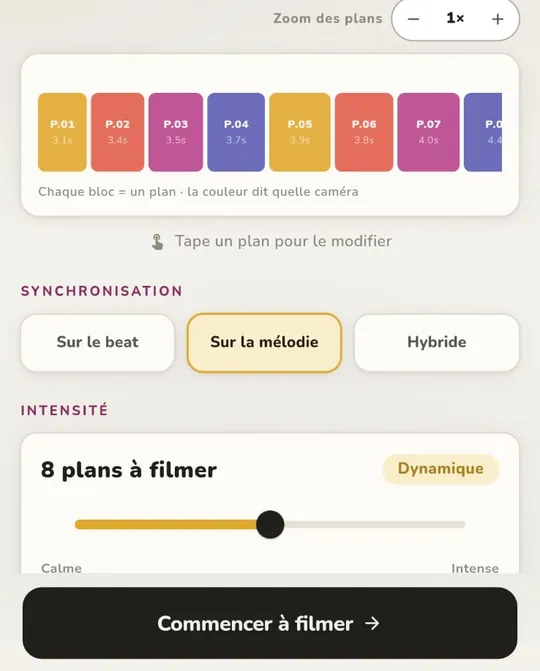
In TREMOLO CUT, that's the “Sync” setting: on the beat, on the melody, or hybrid.
Follow the song's structure
A song breaks down into sections: intro, verse, chorus, bridge. Change angles on the first beat of each new section: that's where the ear expects something new.
- Verse: longer shots, the lyrics come first.
- Chorus: cuts closer together, the energy rises.
- Bridge: a break, an angle you haven't shown much yet.
The right angle at the right time
- Wide shot to open a section and set the scene.
- Close-up for the strongest vocal lines.
- Moving angle to carry the chorus energy.
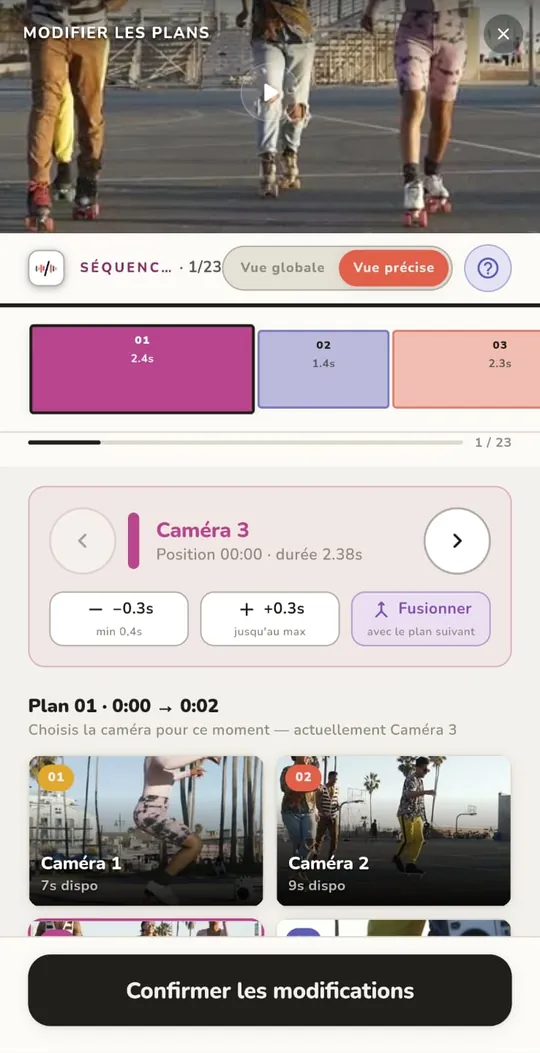
- Avoid two similar angles back to back: if the frame barely changes, the cut looks like a mistake. Two shots in a row should be clearly different.
Let it breathe
Cutting on every beat gets tiring fast. When the performance is strong, hold the shot. The pace of the cuts follows the song's energy, not the metronome.
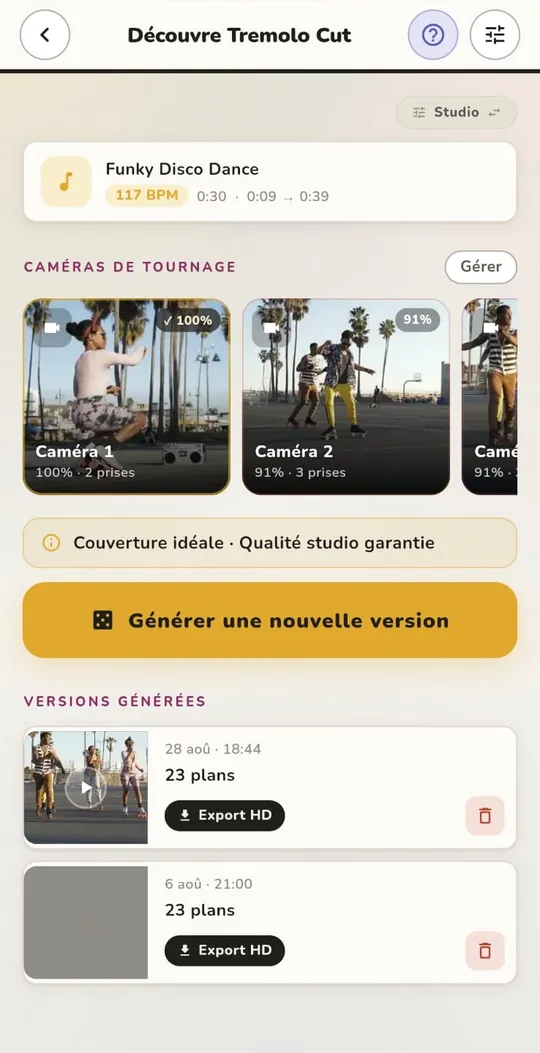
By hand, it's slow: the markers, syncing the angles, then choosing every cut. With TREMOLO CUT, the app finds the strong beats, follows the melody (most of the time, the vocal line) and places the cuts on its own, on your phone. These rules come from twenty years of editing.
Haven't filmed yet? Here's how to film a music video with your phone.
FAQ
How often should you cut in a music video?
There's no single number: it depends on the song's energy. Longer shots in the verses, shorter ones in the choruses. Cutting on every beat gets tiring fast.
How do you find a song's tempo?
Tap your foot and count the beats for 15 seconds, then multiply by four: that's the number of beats per minute (BPM).
Why does my edit feel off even though I cut on the beat?
Because a cut can land right on the beat and in the middle of a sung phrase. A voice cut in half stands out more than a slightly late cut.
Does TREMOLO CUT cut to the beat automatically?
Yes: the app finds the song's strong beats, follows the melody and places the cuts on its own, on the phone. No video is ever uploaded to a server.