Wide shot
The whole artist and the setting. It sets the scene and gives the video room to breathe between two tight shots.
 Tutorial · Shooting
Your phone is enough for the picture. What makes a music video look professional comes down to three things: the song playing during every take, at least four angles of the same passage, and cuts placed in the right spot. Here's how to do it, step by step.
Updated · 6 min read
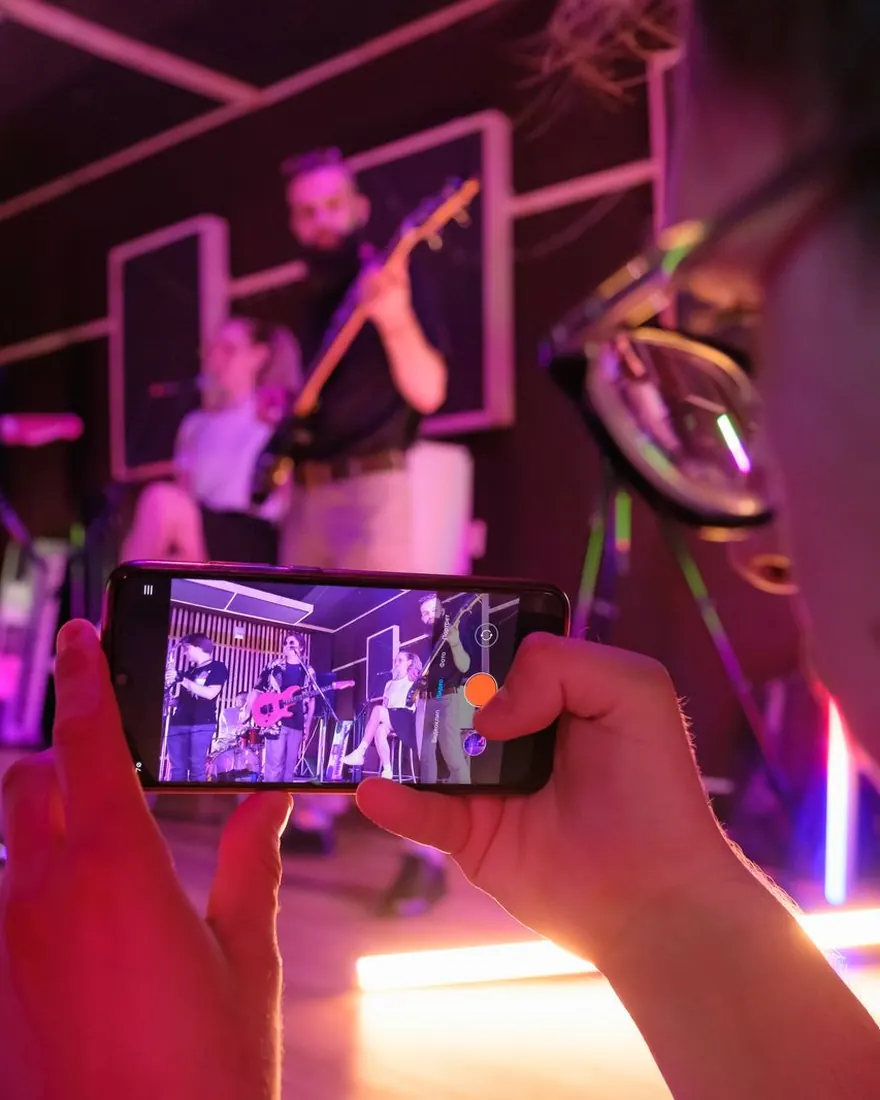
Everything starts with the final version of your song, as an MP3 or WAV file saved on your phone. No file yet? Here's how to put music on your phone.
In TREMOLO CUT, the app plays that file while you film: that's the playback. You listen to it and sing or play along. Nothing else to set up. Every angle is filmed over the same file, which is what lets the app sync them. The music is your timeline.
Filming with another phone or a camera? Play the song out loud next to it during every take, loud enough for the device to record it: that sound is the reference used to sync the takes when you import them.
Tip Really sing, don't just mime: lips follow the sound, and it shows on screen.
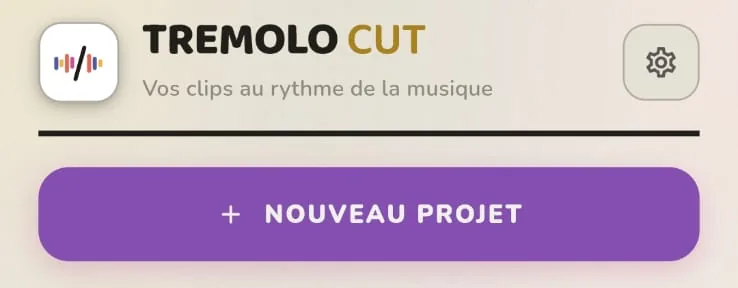
Once the song is picked, the app asks what kind of music video you want:
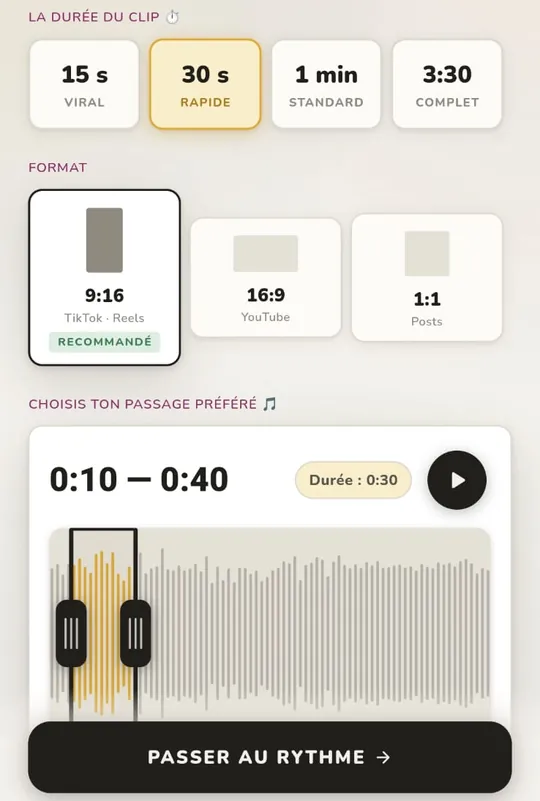
Then comes the editing style, meaning where the cuts land:
Last, the intensity: from calm to intense, it sets the number of shots to film. All that's left is to tap “Start filming”.
Filmed from a single angle, a music video looks like a recording of a performance. Two angles are a bare minimum: the edit just goes back and forth between them. From four on, it has enough to tell something. Well filmed, more angles are even better.
The whole artist and the setting. It sets the scene and gives the video room to breathe between two tight shots.
Face and hands. This is the shot that carries most of the video.
Face, mouth, eyes. Save it for the strongest vocal moments.
The phone circles the artist or lingers on a detail: hands on the instrument, a dancer's feet. It's the one that brings the energy.
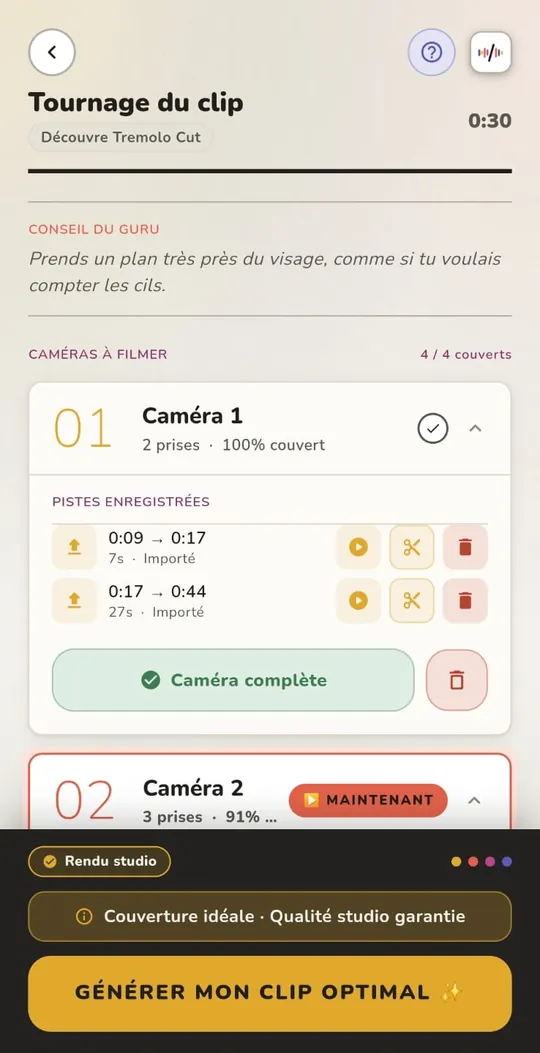
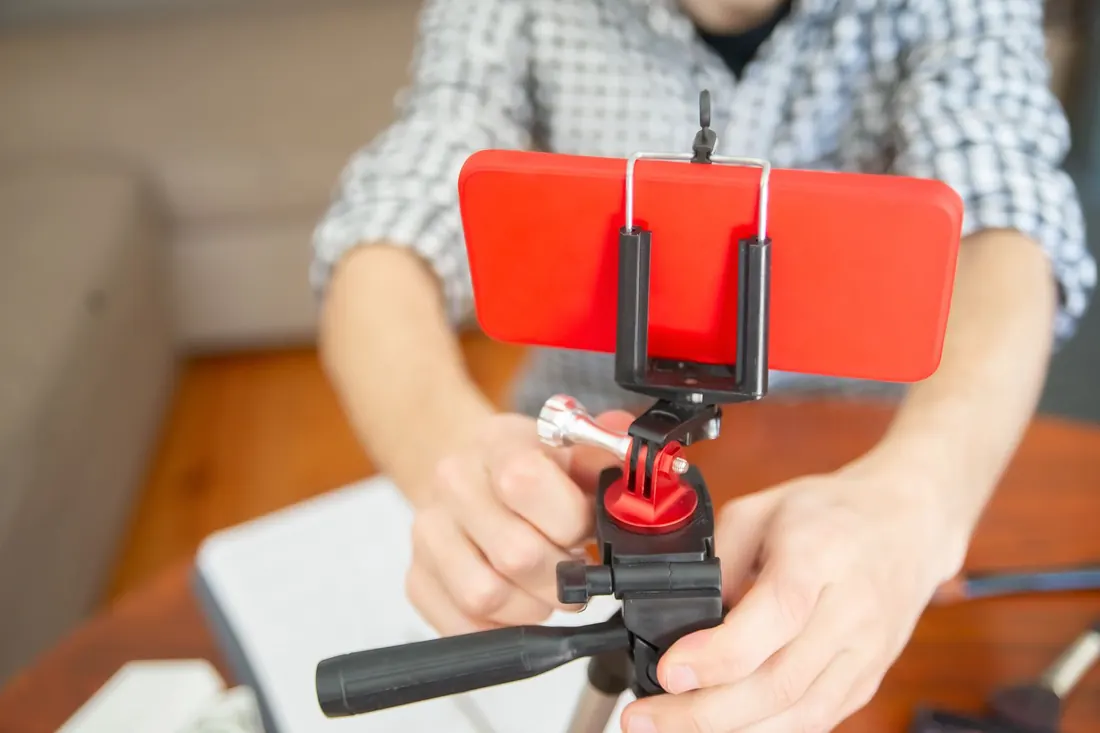
Without a dedicated app, film each angle over the whole song, from start to finish, without stopping: when editing, you'll be able to pick any angle at any moment. Messed up a take? Redo the whole angle rather than one section.
Keep the same outfit, the same light and the same energy from one angle to the next: once edited, the takes should look like they were filmed at the same moment.
In TREMOLO CUT, the app shows which part of the song you're filming and slips in a tip along the way, for example: “Your window covers the first chorus — film it moving, it carries the energy.”
This is the step that separates an amateur music video from a pro one, and the one nobody explains.
These rules come from twenty years of editing. They're the ones TREMOLO CUT applies: the app follows the song's melody — most of the time, that's the vocal line — and puts every cut on the beat without cutting a phrase in half.
By hand, in editing software: you import the four angles, sync them one by one to the sound, then decide on every cut. It's doable, but it's slow, especially the syncing.
With TREMOLO CUT: you film in the app while the song plays, or you import the takes from your camera. The app syncs the angles and places the cuts on its own, on your phone: no video is ever uploaded to a server. Your first full project is free, exported in 1080p.
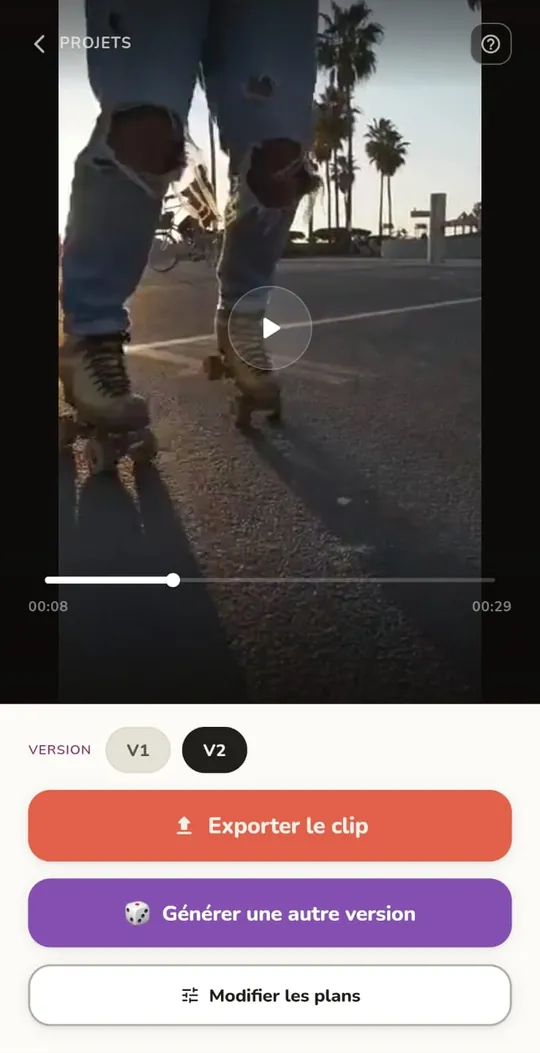
Four. Two angles are a minimum to get started, not enough for a real music video. Well filmed, more angles are even better.
Your song as an MP3 or WAV, saved on your phone. The app plays it while you film each angle.
Both work. What matters is using the same settings for every angle.
Not with TREMOLO CUT: you film, the app edits. By hand, yes: syncing and choosing the cuts take experience.
Not with TREMOLO CUT: all the editing happens on the phone. No video and no music ever leaves the device.